
Record student attendance digitally
Still passing around a sign-in sheet? Replace it with a digital check-in and get live attendance automatically.
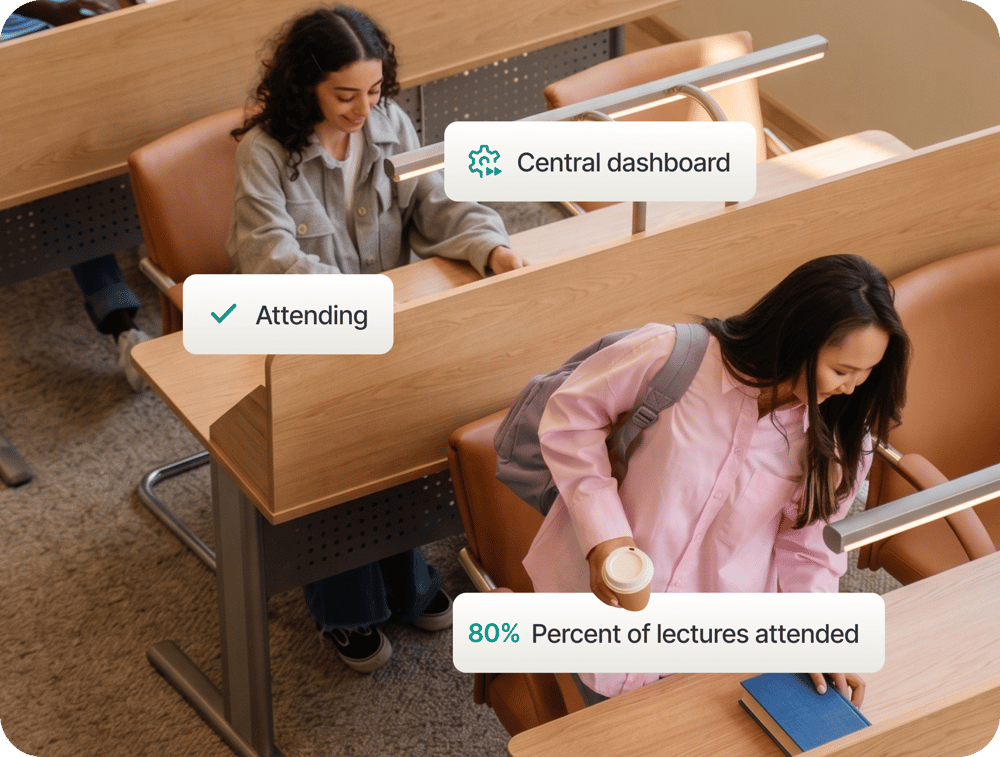
Make attendance visible to everyone involved
Lecturers manage course attendance and track participation rates from one web dashboard. Students see their own record in real time and submit absence requests directly. Staff review and approve those requests in the same tool. Approvals reflect in the student's record immediately. No email chains. No manual adjustments.
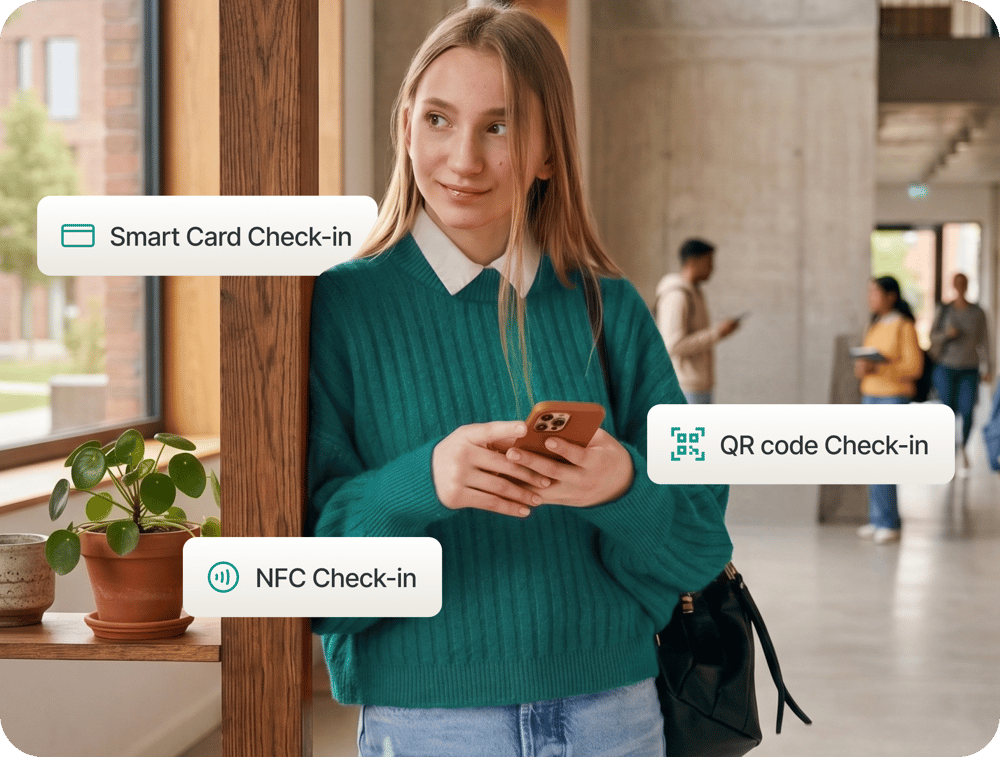
Build the attendance process you need
Check-in is fully configurable. Choose from live QR code, NFC via smartphone, or smart card. Combine methods for multifactor check-in, adding biometric verification, geofencing, or IP locking. Set check-in windows at the start of a session, the end, or both. Every setting is modular and adjustable.
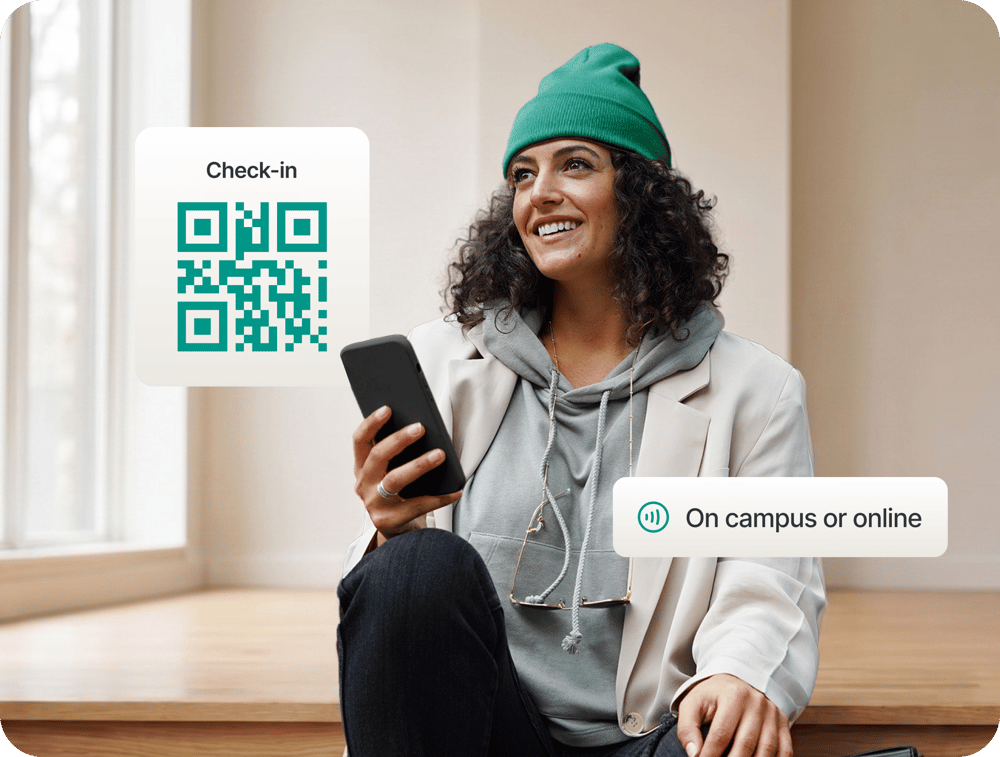
On campus or online, it just works
For in-person sessions, students tap an NFC tag or scan a live QR code. For online and hybrid courses, the Digital Attendance List connects with Microsoft Teams, creating course groups automatically and collecting attendance without any manual setup per session.

Keep full control of your data and hosting
Course data syncs automatically from your campus management system and attendance records are exportable at any point. Deploy in the cloud or self-hosted. Your institution keeps full control. It integrates with your existing identity management via LDAP, SAML, and OAuth (OIDC).
Extend your setup with connected capabilities
The Digital Attendance List is the foundation. These connected capabilities extend what your institution can do.

Group Registration:
Let your students self-register into groups, or assign them yourself.

MS Teams Sync:
Course schedules sync with Microsoft Teams, generating online session links automatically.

Workload Assessment:
Students log the time they spend on each course, giving you reliable data for ECTS reviews.

Exemption requests:
Students can request absence exemptions directly, and staff can approve them in the same place.

Open for custom extensions:
Additional custom extensions can be built for any process your institution needs.
Ready to go paperless?
How does the Digital Attendance List connect to our campus management system?
Connection is made through our standard REST API, with full documentation available. Use one of our existing importers or build your own. For pilot testing, CSV imports are also supported. The platform supports LDAP, SAML, OAuth (OIDC), etc. Full technical details are in our documentation.
Do students need a specific app to check in?
No. Students check in using any NFC-enabled smartphone or any device with a camera for QR code check-in. They can also check in through the Campus App or your own branded campus app if you have one.
What is the difference between QR code and NFC check-in?
QR codes are the more cost-effective option. The lecturer displays the code via projector and it works for in-person and online sessions alike. NFC tags are fixed to the classroom, placed at the entrance, on each row, or on individual desks, and require no action from the lecturer at all. Both methods use cryptographic verification to prevent fraudulent check-in.
Is the Digital Attendance List available as a white label product?
Yes. The platform is deployable in your institution's design.
Can students submit exemption requests for absences?
Yes. Students submit exemption and resubmission requests directly through the platform. Staff with the appropriate role configuration review and approve them in the same tool. Approved exemptions are reflected immediately in the student's attendance record.
What internal resource does our IT team need to commit?
It depends on your hosting choice. With cloud-based hosting, development, updates, and maintenance are managed entirely on your behalf. For self-hosting, your team handles the infrastructure. Either way, implementation is typically complete within a few weeks. Your team provides system access credentials for the initial integration and joins a brief onboarding session.