
Timetable in minutes, not weeks
Manual planning takes weeks. Automate scheduling with every constraint handled.
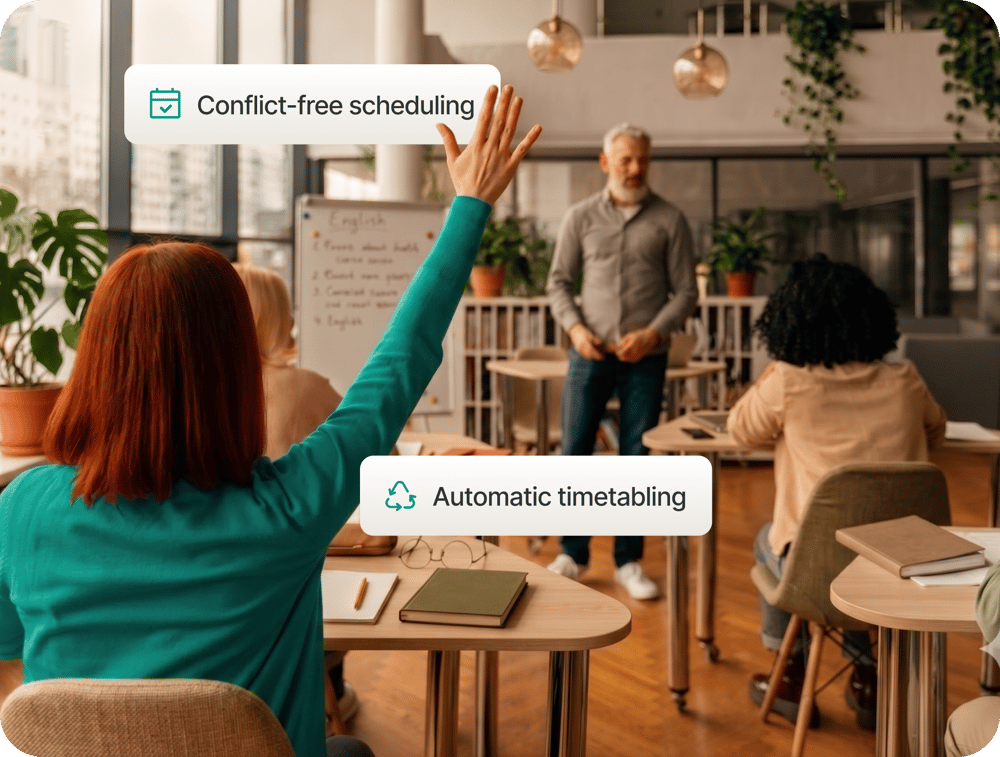
Define your constraints once and schedule in minutes
Define your constraints once: lecturer availability, room capacities, travel times, equipment requirements, and shared student groups. A combinatorial scheduling algorithm processes every possible combination and outputs a conflict-free timetable in minutes. Hard constraints are enforced as fixed rules. Soft preferences are optimised automatically.

Compare variants before you commit
Generate as many timetable variants as you need and compare them before publishing. Lock any session you want fixed and the system schedules everything else around it. Every conflict is listed with its exact cause, and every change is verified before it takes effect.
Reach everyone the moment you publish
One click and every stakeholder gets what they need. Students see their personal schedule in the Campus App immediately. Lecturers are notified automatically and alerted to any subsequent changes. No manual distribution, no separate emails, no printed lists.
Manage bookings and exams in one place
Room bookings by lecturers sit in the same system as the central timetable, so conflicts are impossible. Exam timetables generate automatically from student overlaps and room capacities, with seating plans and invigilator assignments included.
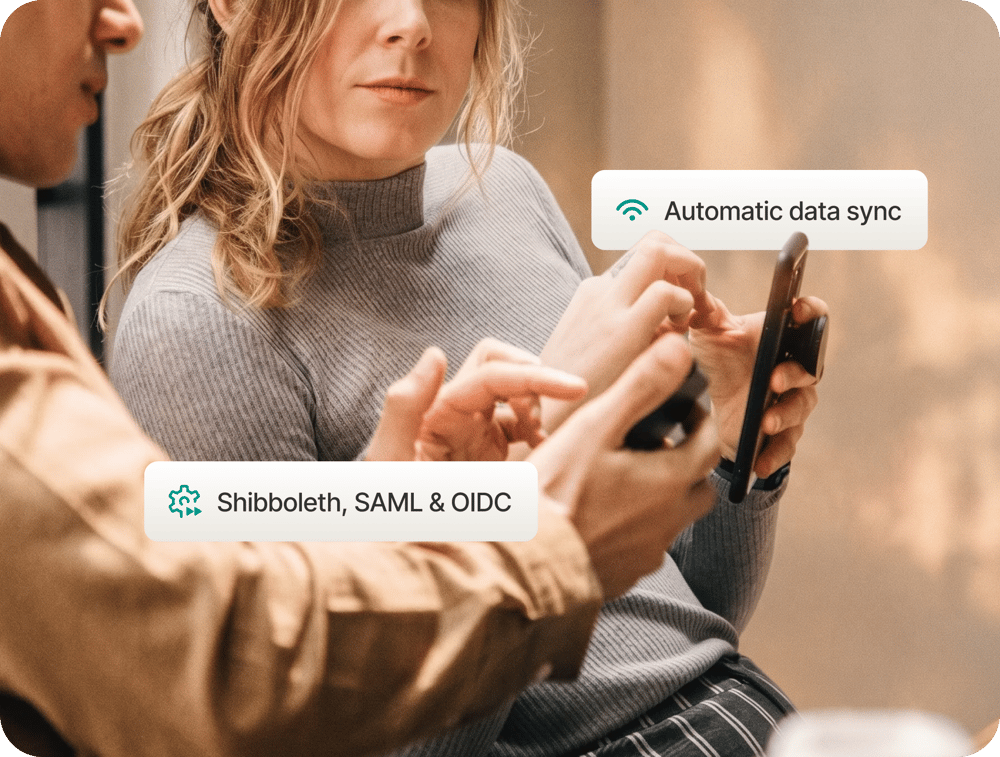
Connect to your existing systems
Data imports from your campus management system via REST API, Excel, CSV, or XML. Authentication connects to the identity provider your institution already runs: Shibboleth, SAML, OIDC, or any other. Deploy in the cloud or on your own servers. Your scheduling team can manage it independently once configured.
Start your next planning cycle faster
How long does it take to generate a full semester timetable?
Once your data and constraints are configured, a full timetable generates in minutes. Large, complex timetables with thousands of entities typically complete in under a minute. The setup and data import process takes longer and depends on your existing systems and data quality.
What happens when constraints conflict with each other?
The system lists all unresolved conflicts clearly, showing the exact cause and location of each. You can resolve them manually, relax a soft constraint and regenerate, or override a constraint if your institution decides to accept the deviation.
Can we run multiple timetable scenarios before committing to one?
Yes. You can generate and store as many timetable variants as you need, compare them using built-in reports, and publish only when you are ready. Separate databases allow you to prepare next year's timetable while this year's is live.
How do students access their timetable?
Students see their personal timetable in the Campus App, filtered to their own groups and courses. They can also export it as an iCalendar file to sync with Outlook, Google Calendar, or any other calendar app. Push notifications alert them to any changes.
Does the system support room booking by lecturers?
Yes. Lecturers log in to reserve rooms for consultations, meetings, or lab sessions. All bookings are fully integrated with the central timetable, so no overlap with scheduled events is possible. An optional approval workflow lets administration review and confirm bookings before they go live.
What does implementation require from our IT team?
Initial setup requires access credentials for your campus management system for the data import, and identity provider configuration if you want staff to log in with their existing university credentials. After that, the system runs without ongoing IT involvement. Your scheduling team manages it independently.