
The channel students open instead of skip
Most students don't see your emails. The Newsroom puts your messages directly in the Campus App.
Keep every student in the loop
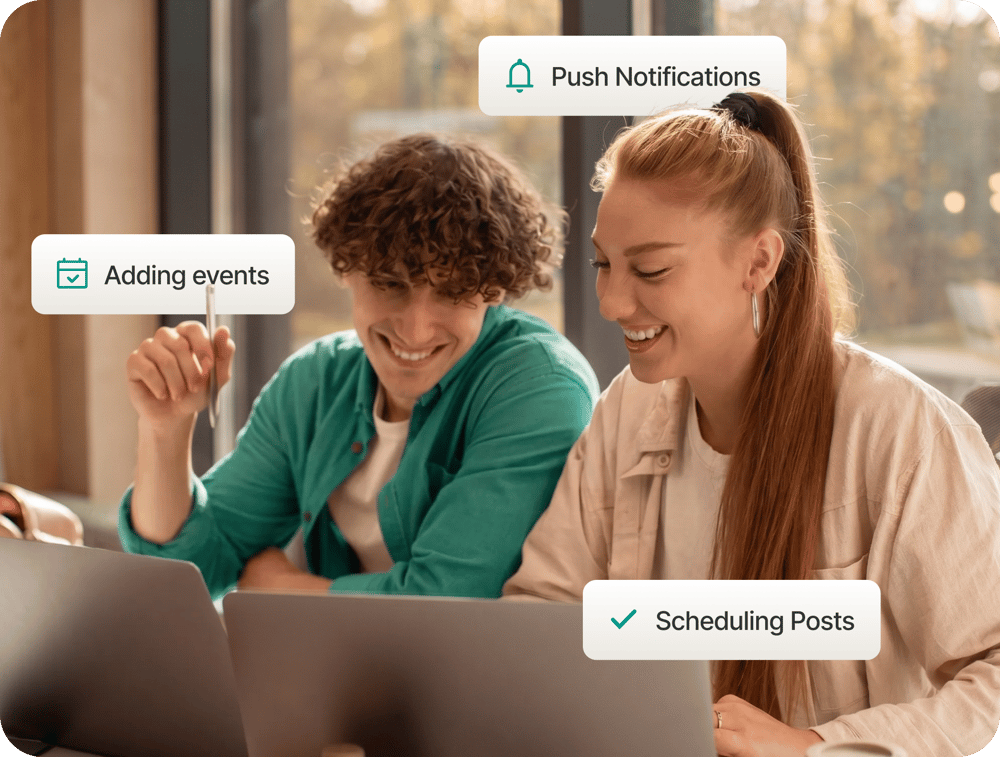
Email inboxes are full and largely ignored. Write and schedule posts in a web-based interface. Add events to students' calendars in the same workflow. Create push notifications to alert students to anything time-sensitive. Analytics on impressions, click rates, and reach show you what students read and where to focus next.
Give every department its own publishing channel
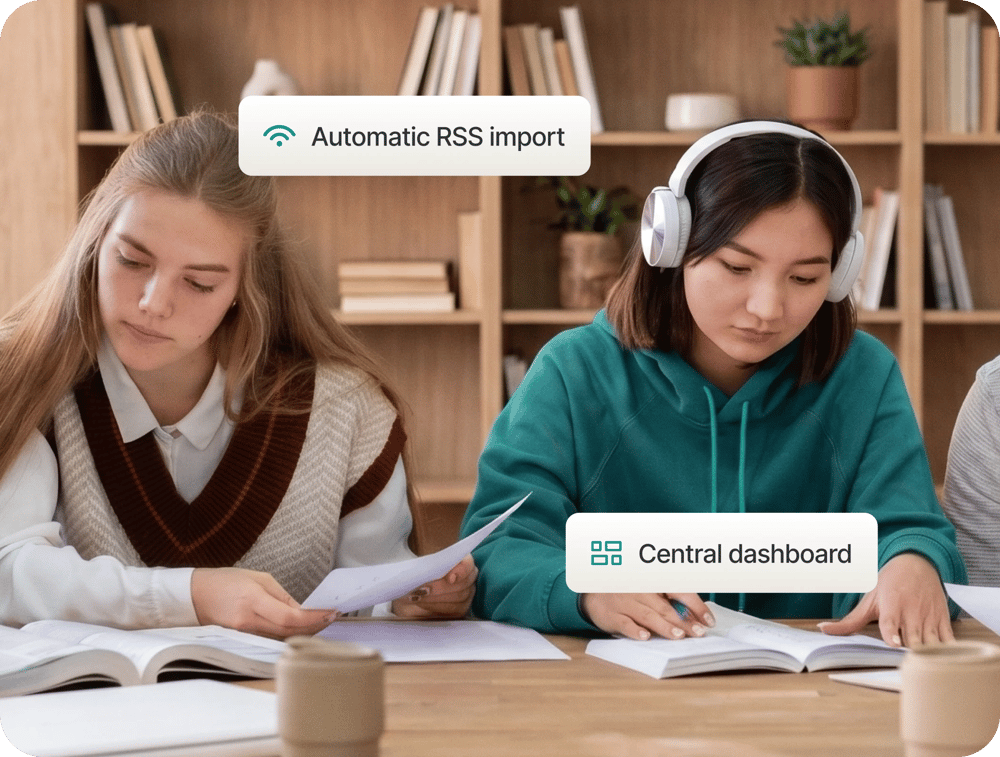
Each faculty, department, or student organisation gets its own channel in the Newsroom. Publishers manage their content independently or pull in posts automatically from any RSS feed. Your communications team can oversee all channels from one dashboard. Students see content from the sources relevant to them.

Collect feedback from students
Email surveys reach a fraction of students. Surveys published in the Campus App reach students where they're already engaged and the response rates reflect it. Multiple-choice, sliders, open text, and quiz formats give you the flexibility to ask exactly what you need. Results appear live in the Newsroom dashboard.
Talk to your students where they listen
How does the Newsroom connect to the Campus App?
The Newsroom is the web-based interface your communications team uses to write, schedule, and publish content. Posts appear directly in the Campus App's newsfeed, the app students already have on their phones.
Who can publish in the Newsroom?
Publishing rights can be assigned to any member of your team, whether that's a central communications office, individual faculties, or student organisations. Each publisher manages their own channel within the same shared platform.
What types of surveys can we create?
The survey builder supports multiple-choice questions, rating scales, open text responses, and quiz or poll formats. Surveys can be structured with introductory text and subheadings. Once published, students complete them directly in the Campus App.
How do response rates compare to email or paper-based surveys?
Response rates through the Campus App are significantly higher than those achieved via email or paper. Students are reached on a channel they already check daily, without the friction of a separate login or survey link.
Can we see analytics on our posts and notifications?
Yes. The Newsroom dashboard provides analytics. This gives communications teams the data to understand what students engaged with and where to focus future efforts.
Is this a standalone tool or part of a larger platform?
The Newsroom is part of the broader Campus App. Institutions that already have the Campus App can activate the Newsroom. They can also be implemented as a starting point for institutions looking to build out their digital campus presence over time.