
Reach every person on campus in an emergency
When a critical incident occurs, your alerts need to reach students, staff, and visitors immediately, regardless of whether their phone is on silent.
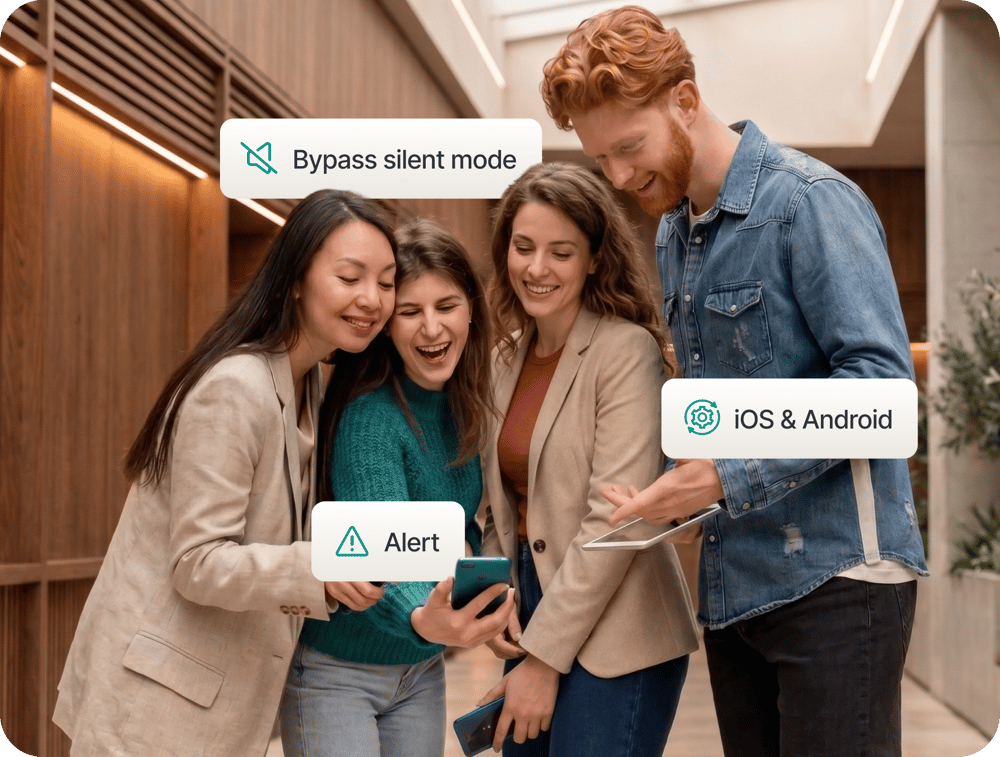
Reach every phone, including those on silent
Critical Alerts are delivered at system level on both iOS and Android, bypassing silent mode. Every person with the Campus App or the Digital ID Card receives the alert immediately. For anyone not on either app, a web portal fallback ensures no one is left unreachable.
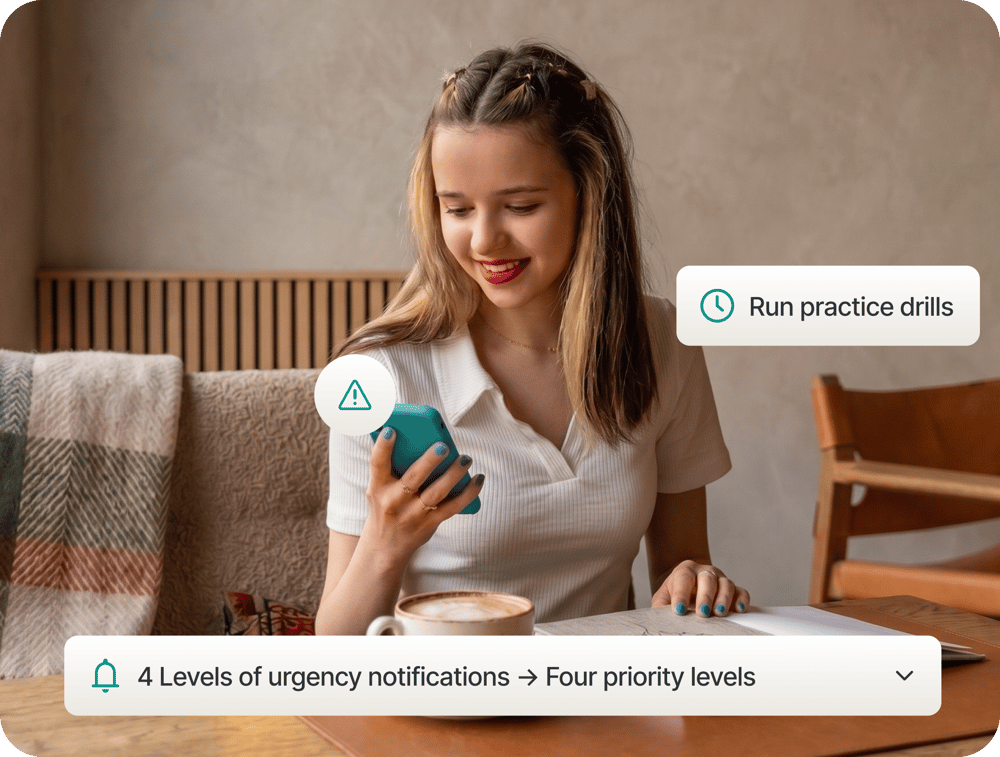
Match every alert to the right level of urgency
Four priority levels let your safety team calibrate every alert to the situation. The Critical tier carries the highest urgency and triggers system-level delivery on every device. The High tier is for situations requiring immediate attention across campus. Maintenance supports planned communications and scheduled announcements. The Drill tier uses the same delivery infrastructure as live alerts, so your team can run training exercises and verify the system end-to-end.

Real-time status updates until the all-clear
A single alert is rarely the whole picture. Push follow-up updates to the same audience as the situation develops, and issue the all-clear when the incident is resolved. Every message, update, and resolution is logged automatically with a timestamp and sender identity. Your legal and compliance team has the documented evidence they need after any incident.
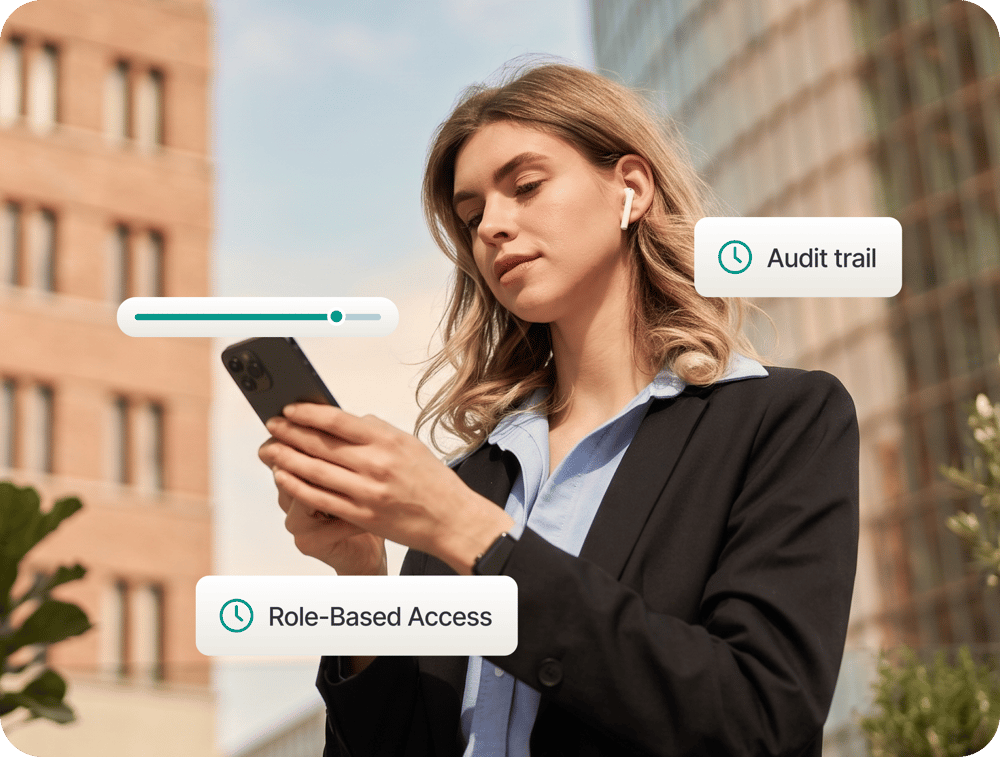
Set access controls and keep a full audit trail
Role-based access controls let you determine which staff members can send which tier of alert, preventing accidental escalation while ensuring the right people can act without delay. The full alert history is available for post-incident review, legal compliance reporting, and insurance documentation.
Be ready before you need it
Does a Critical Alert reach students who have their phone on silent?
Yes. Critical Alerts are delivered at the iOS and Android system level, bypassing the silent mode. Students do need to grant notification permissions to the app on their device to receive alerts of this type.
What if a student or staff member doesn't have the Campus App or the Digital ID Card?
A web portal notification goes out alongside the in-app alert. Anyone without either app can receive the notification through the web-based channel, provided their contact details are registered in your campus management system.
How quickly can an alert be sent?
Alerts are sent in seconds from the web portal. No technical configuration is required at the point of an incident. Your safety team accesses the portal from any browser and sends the alert immediately.
Can we limit who is authorised to send alerts?
Yes. Role-based access controls let you configure which staff members can send which tier of alert. This prevents accidental escalation while ensuring the right people can act immediately when needed.
Does the platform support practice drills?
Yes. The Drill tier is specifically designed for training exercises. It uses the same delivery infrastructure as live alerts, so your team can verify the system works without triggering a genuine emergency response.
What documentation does the audit trail provide?
Every alert, status update, and all-clear is logged automatically with a timestamp and the identity of the sender. This record is available for review at any time and supports post-incident review, legal compliance reporting, and insurance documentation.