
Know if your courses work like you planned
ECTS credits are built on assumptions. Replace guesswork with real data and build your curriculum.

Build your curriculum on real data
Without direct measurement, the gap between expected and actual study time often goes unnoticed. The Workload Assessment collects structured time data across every course, giving quality teams a reliable basis for curriculum review and accreditation reporting.

Collect feedback after every lecture
Beyond workload tracking, Workload Assessment runs lightweight feedback surveys tied to individual course appointments. After each session, students rate how they experienced the lecture. Lecturers get session-level insight they can act on immediately, and quality managers see patterns across an entire semester.
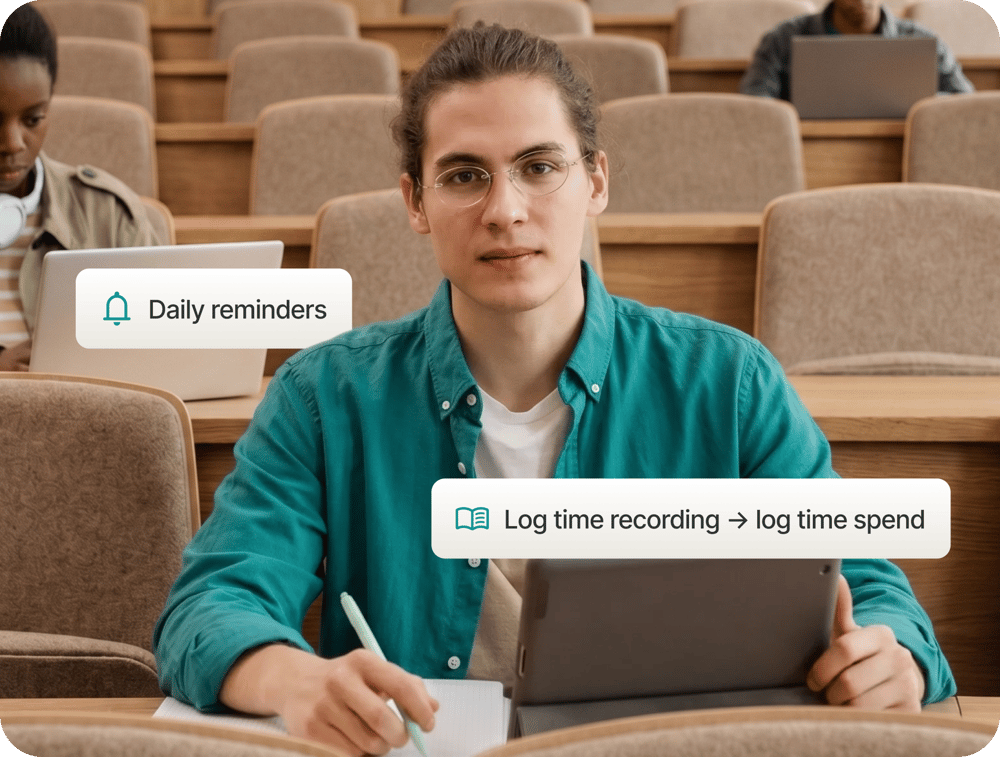
Capture study time in seconds
Students log the time they spend on each course in under a minute per day: attending class, studying independently, or writing papers. Daily reminders keep response rates high. Data flows into real-time dashboards with eight evaluation charts, flexible period filters, and export for reporting.
Make your next curriculum review evidence-led
How do students submit their workload data?
Students receive a daily reminder through the Campus App or a web browser. In a few taps, they log the time spent on each course activity: contact hours, independent study, and written work. The process takes under a minute and is designed to keep daily response rates high.
What response rates can we expect?
Response rates are significantly higher than with paper or email-based surveys, as students are reminded daily through a channel they use.
How does the per-session lecture feedback survey work?
For each course appointment, a short survey is triggered automatically after the session. Students rate how they experienced the lecture on a simple scale. Lecturers can view session-level results after responses come in.
What data can we export for accreditation and quality reporting?
All workload and feedback data is exportable from the dashboard in A4 print format. Diagrams support daily or grouped statistical analysis. Period filtering and a completeness filter let you make statistically valid statements before exporting.
Does the Workload Assessment work alongside the Digital Attendance List?
Yes. Both Workload Assessment and the Digital Attendance List share the same course data, so you do not need to configure courses twice.
How does Workload Assessment connect to our campus management system?
Course data is imported directly from your campus management system via a standard API or CSV. Students are enrolled in the correct courses automatically, with no manual configuration required on your side.